




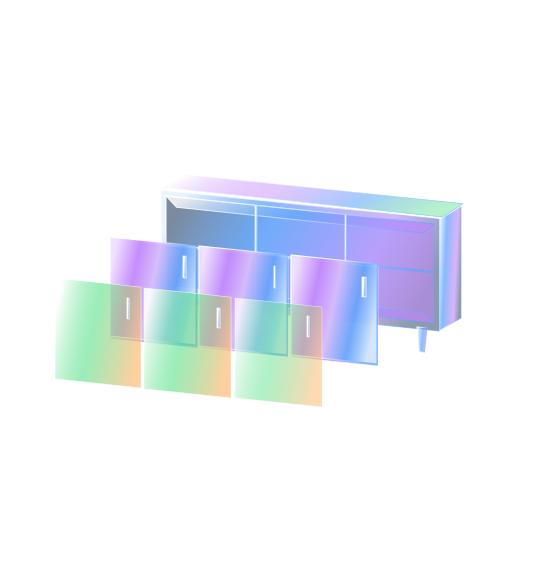
Step 1: Build Your Configurator in StackSwatch
- Set up your product options (e.g., exterior cladding, hardware, roof finishes).
- Upload your base image and aligned transparent PNG/WEBP layers for each variation.
- Add visual swatch thumbnails, set your pricing rules (optional), and customize your buttons and fonts to match your Squarespace template styles.